Key Points: What to look for
1. Data Transfer Speed (The USB Standard): Not all USB-C cables are the same; their speed depends on the USB standard they support. Look for the standard on the packaging:
2. Power Delivery (Charging Wattage): The cable’s maximum power support is crucial for fast charging, especially for laptops.
- Standard Power: Most cables support up to 60W (20V/3A).
- High Power: High-quality cables often support up to 100W (20V/5A). These typically require an E-marker chip in the connector to communicate their capabilities.
- Extended Power Range (EPR): Newer cables support up to 240W (48V/5A) for the most power-hungry devices.
3. Video Support (Alternate Modes): For connecting to a monitor, the cable must support an “Alternate Mode,” typically DisplayPort (DP) Alt Mode or Thunderbolt.
- Cables that only support USB 2.0 often do not support video output.
- Full-featured USB 3.2, USB4, or Thunderbolt cables are needed for high-resolution (4K/8K) video.
4. Physical Design:
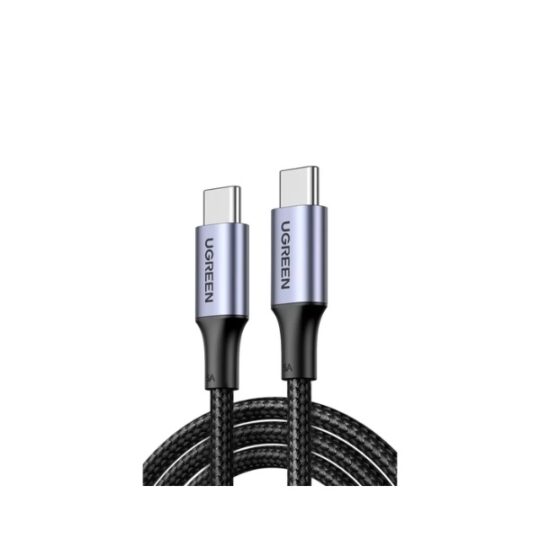
- Reversible Connector: The USB-C plug is symmetrical, so you can plug it in any way (no “upside down”).
- E-Marker Chip: As mentioned, this chip is required in cables supporting over 60W power or higher data rates (like 10Gbps or more) to ensure safe operation.
- Cable Length: Shorter cables (under 1m) generally offer better reliability for maximum data speed and video resolution. Longer cables can be limited to slower speeds (e.g., 5Gbps or even 480Mbps).