
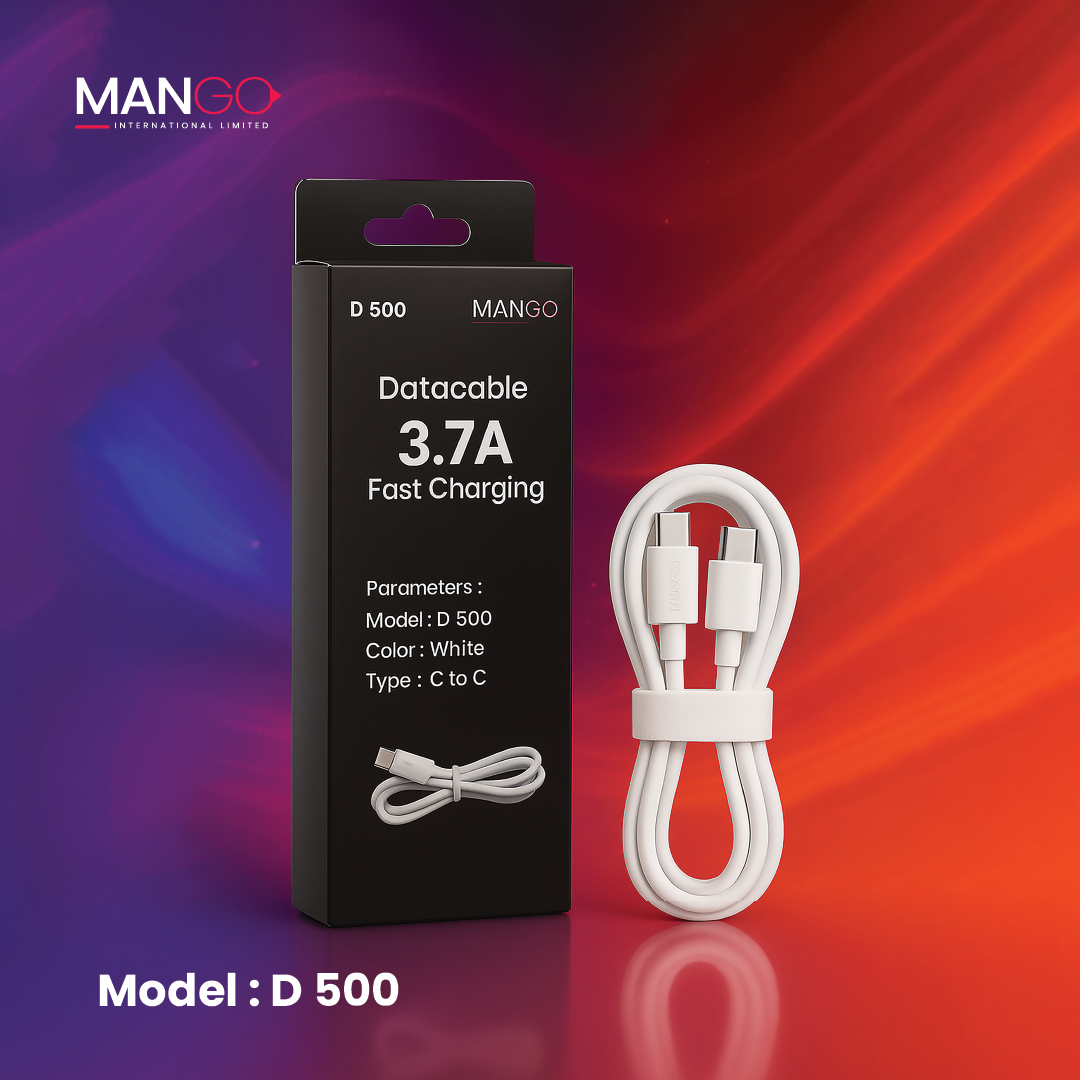
Description
Key Points: What to look for
1. Data Transfer Speed (The USB Standard): Not all USB-C cables are the same; their speed depends on the USB standard they support. Look for the standard on the packaging:
2. Power Delivery (Charging Wattage): The cable’s maximum power support is crucial for fast charging, especially for laptops.
- Standard Power: Most cables support up to 60W (20V/3A).
- High Power: High-quality cables often support up to 100W (20V/5A). These typically require an E-marker chip in the connector to communicate their capabilities.
- Extended Power Range (EPR): Newer cables support up to 240W (48V/5A) for the most power-hungry devices.
3. Video Support (Alternate Modes): For connecting to a monitor, the cable must support an “Alternate Mode,” typically DisplayPort (DP) Alt Mode or Thunderbolt.
- Cables that only support USB 2.0 often do not support video output.
- Full-featured USB 3.2, USB4, or Thunderbolt cables are needed for high-resolution (4K/8K) video.
4. Physical Design:
- Reversible Connector: The USB-C plug is symmetrical, so you can plug it in any way (no “upside down”).
- E-Marker Chip: As mentioned, this chip is required in cables supporting over 60W power or higher data rates (like 10Gbps or more) to ensure safe operation.
- Cable Length: Shorter cables (under 1m) generally offer better reliability for maximum data speed and video resolution. Longer cables can be limited to slower speeds (e.g., 5Gbps or even 480Mbps).


Reviews
There are no reviews yet.